August 27, 2026
6 AI Product Photography Ideas for Captivating Ad Campaigns

Neelam Goswami
Senior Content Marketing Associate
AI summary
AI product photography tools can create realistic product shots for your ads, while saving you both time and cost. Here are 6 unique AI product photography ideas that you can use for creating stunning ad campaigns.
Nothing drives engagement and conversions in advertising like a good product shot. According to a report by Etsy, image quality is the single biggest factor in purchase decisions, with 90% of shoppers calling it extremely important. Does that mean spending thousands on a photoshoot for every campaign? Not if you're using AI product photography well.
AI image generators that produce realistic product shots save you cost, time, and resources, while letting you turn ideas into a finished creative. From ad campaigns and Instagram feeds to holiday banners, here are six ways to put AI product photography to work today.
1. Personalized product scenes
Personalized product photos matter as much as personalized messaging. Subtle geo-specific or cultural cues in the background can decide whether a customer can relate to your ad.
AI product photography tools generate product images in realistic lifestyle settings tailored to different customer segments. For instance, you could generate images for a pair of walking shoes shot in urban settings for city dwellers, and in nature for outdoor enthusiasts. It gives you the ability to simulate a wide range of real-world scenarios from your desk, using AI for display ads, without extravagant photoshoots or exotic locations.
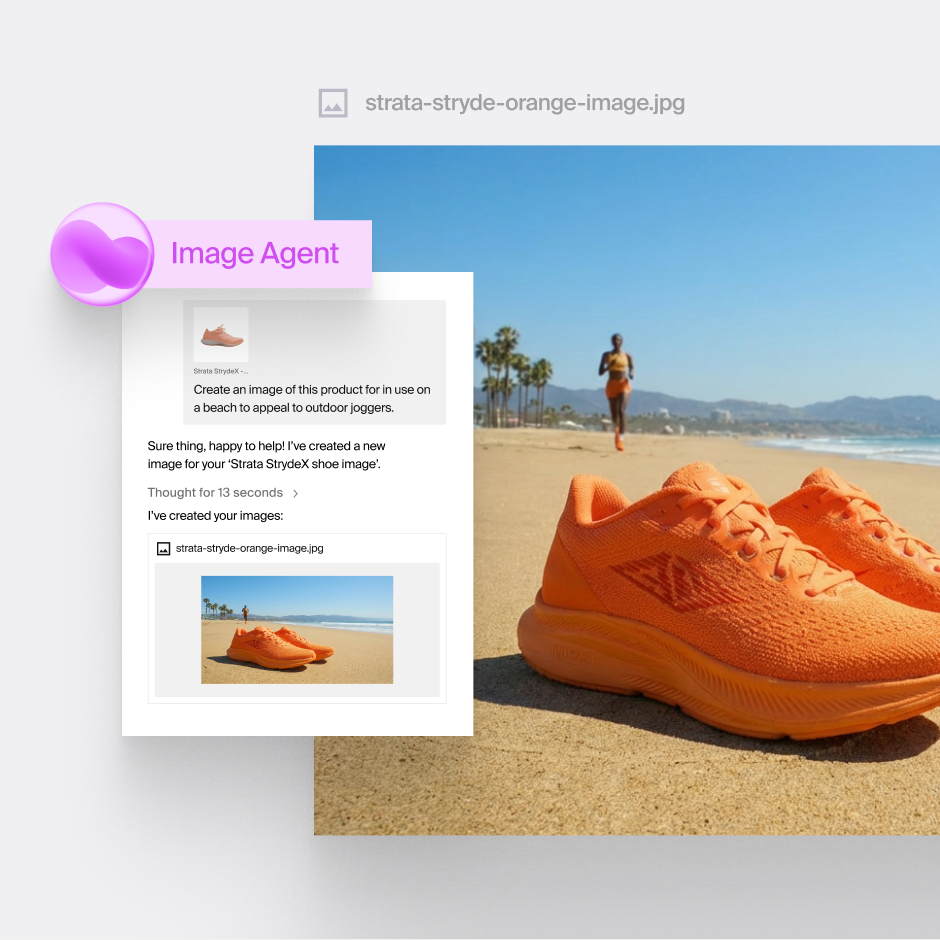
A global automobile manufacturer used Typeface to create personalized ad creatives for specific customer segments in their year-end sales campaign, producing assets 52% faster and 4x more tailored creatives than their traditional methods.
2. Symmetrical flat lay shots
Our brains are wired to respond to balance, which makes symmetry one of the most reliable ways to stop a scroll. Brands like Sephora have built entire feeds on meticulously aligned cosmetic flat lays; arrangements that read as premium and intentional before a viewer takes in a single word of copy.
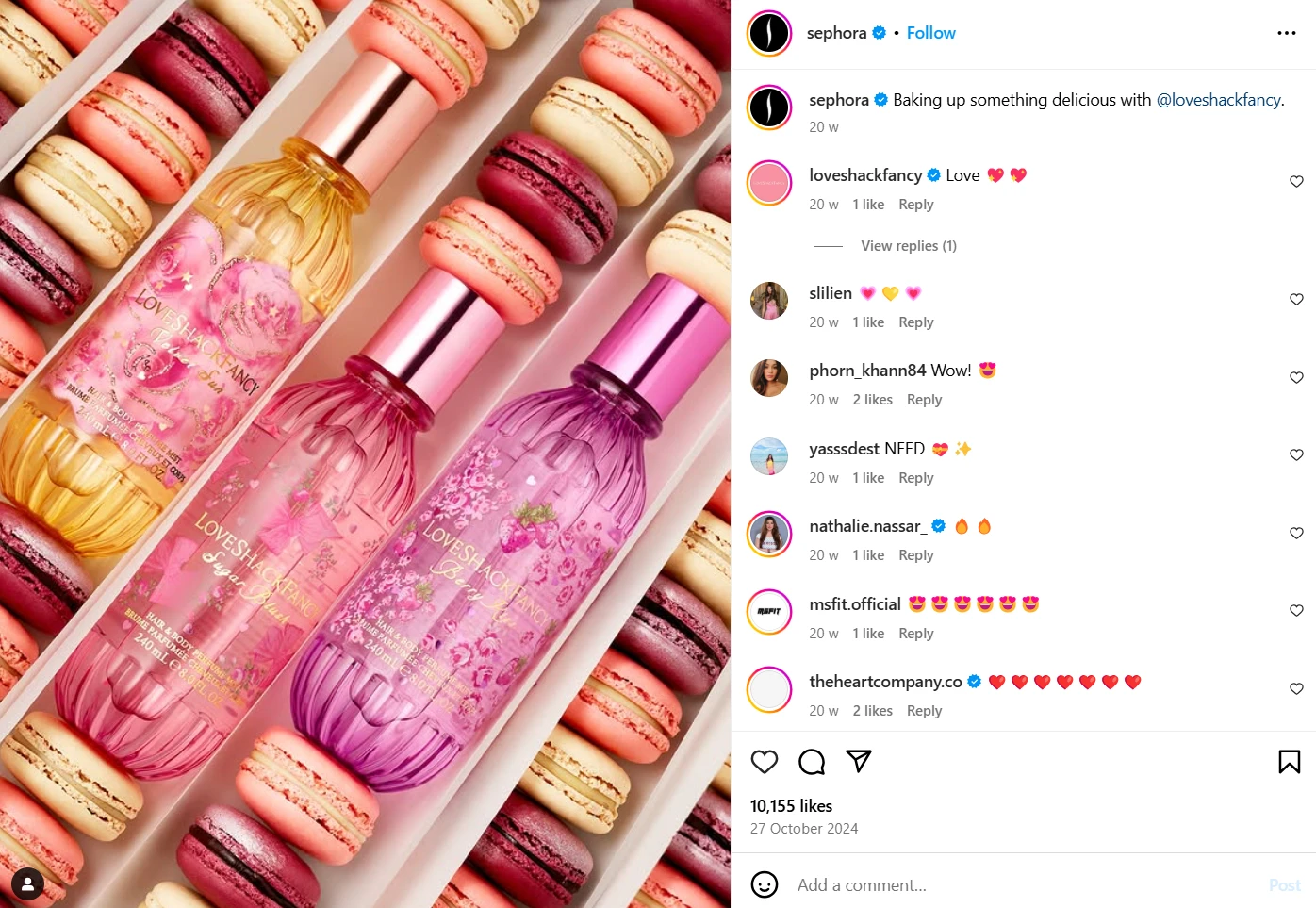
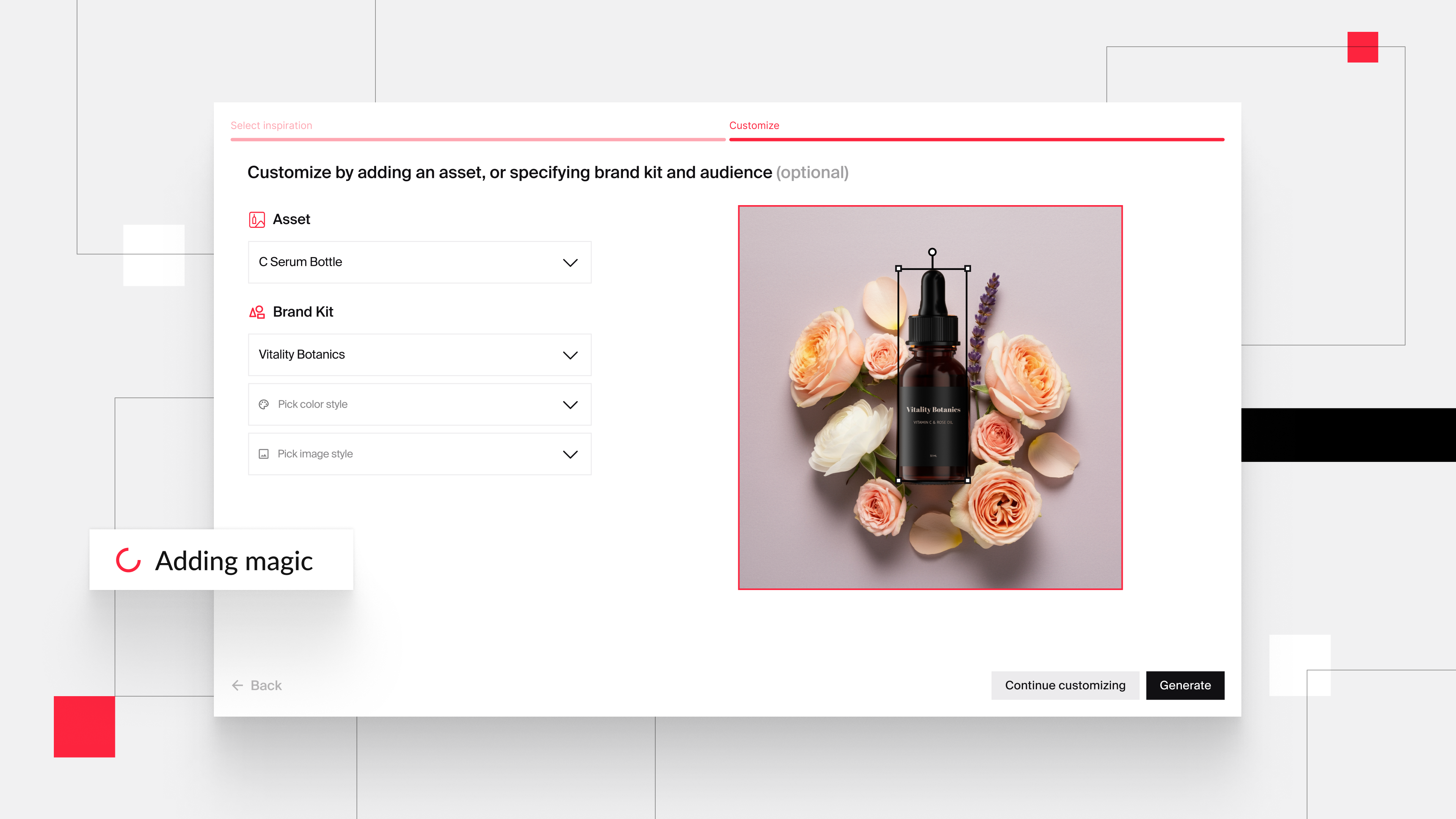
To create one, upload your own reference image or just type in your idea in Typeface chat. You can also add your product asset and generate variations. Try playing around with lighting and shadows to create that perfect studio quality brand photo.
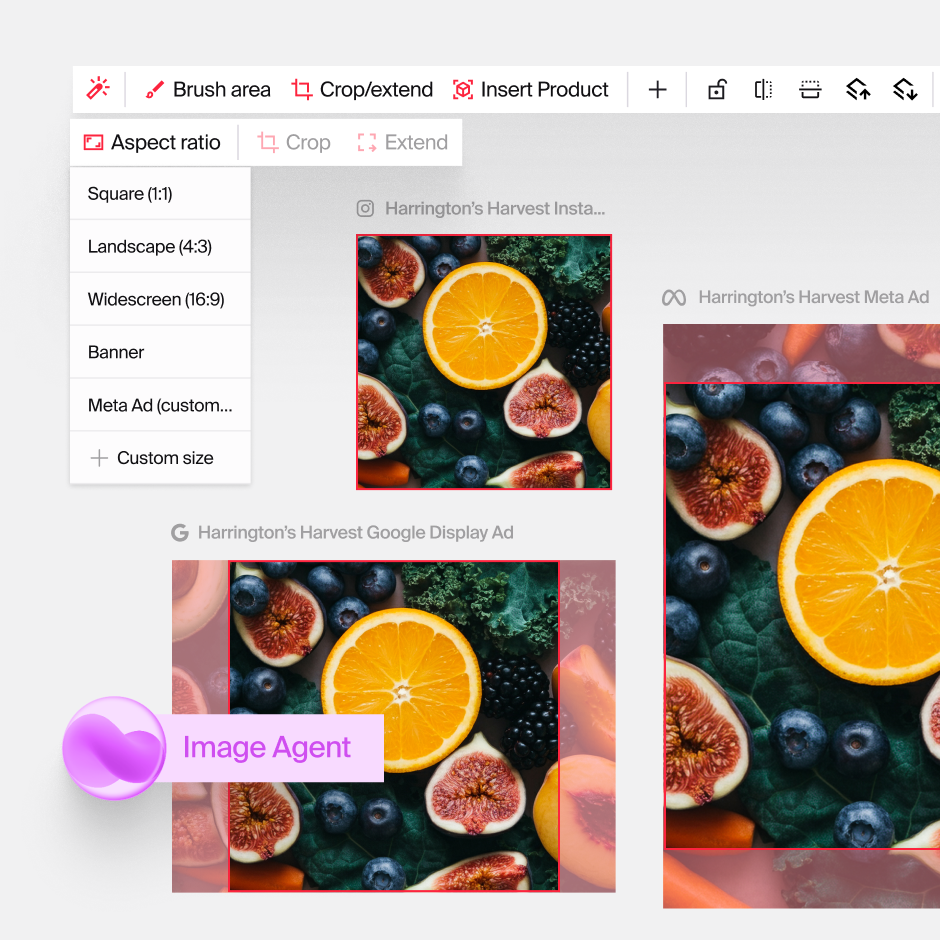
Typeface Image Agent also lets you resize your generated image for any channel or create variations for different audiences, in a few clicks or with a simple prompt in chat.
3. Automated styling and props
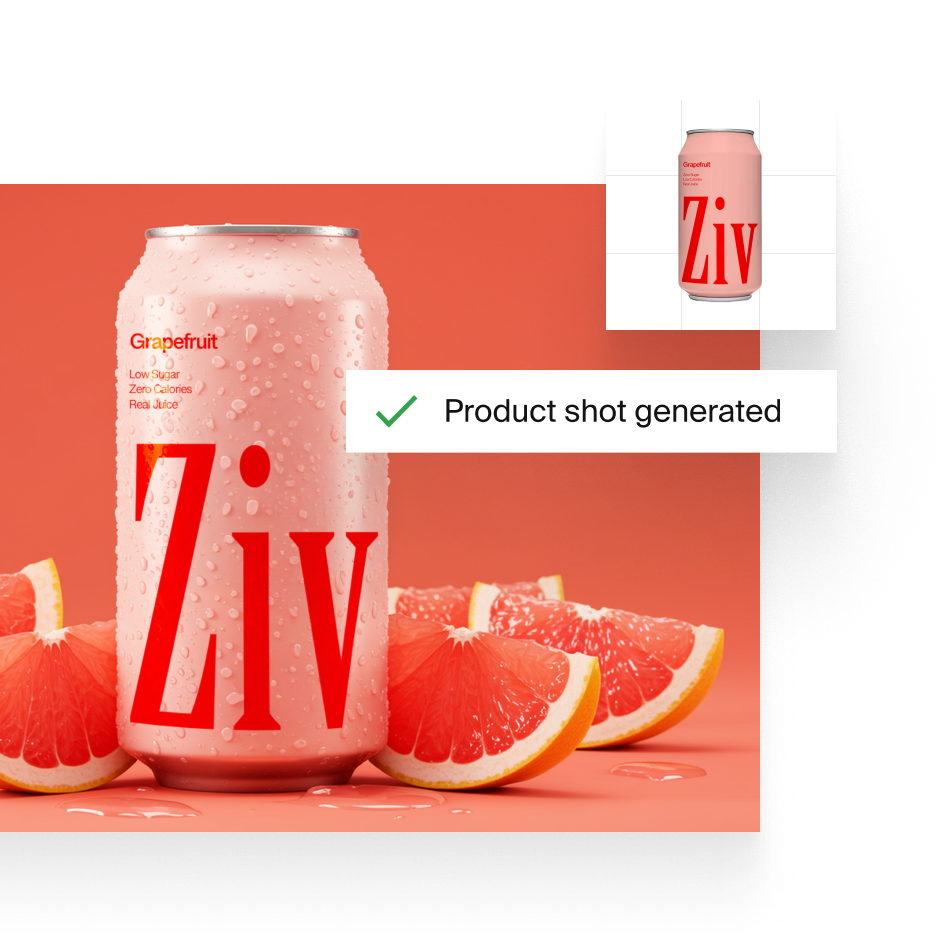
Professional product photography depends on the right props and styling. This is also exactly the part that's slow, fiddly, and expensive to source.
With an AI image tool, however, you can generate product shots with any background and any prop of your choice, minus the investment. Use Typeface chat to position and resize your product, then add decorations — platforms, fruits, plants, home décor from your asset library, or your own uploads via chat itself.
Typeface makes sure that every detail of your product is retained when generating the final image.
4. Intelligent mood lighting
Lighting can make or break a photograph. AI-powered mood lighting adjusts the ambiance to match your message, so your product images carry the right emotion.
Starbucks does this well on social, matching props, lighting, and color to the flavor inside each seasonal drink.
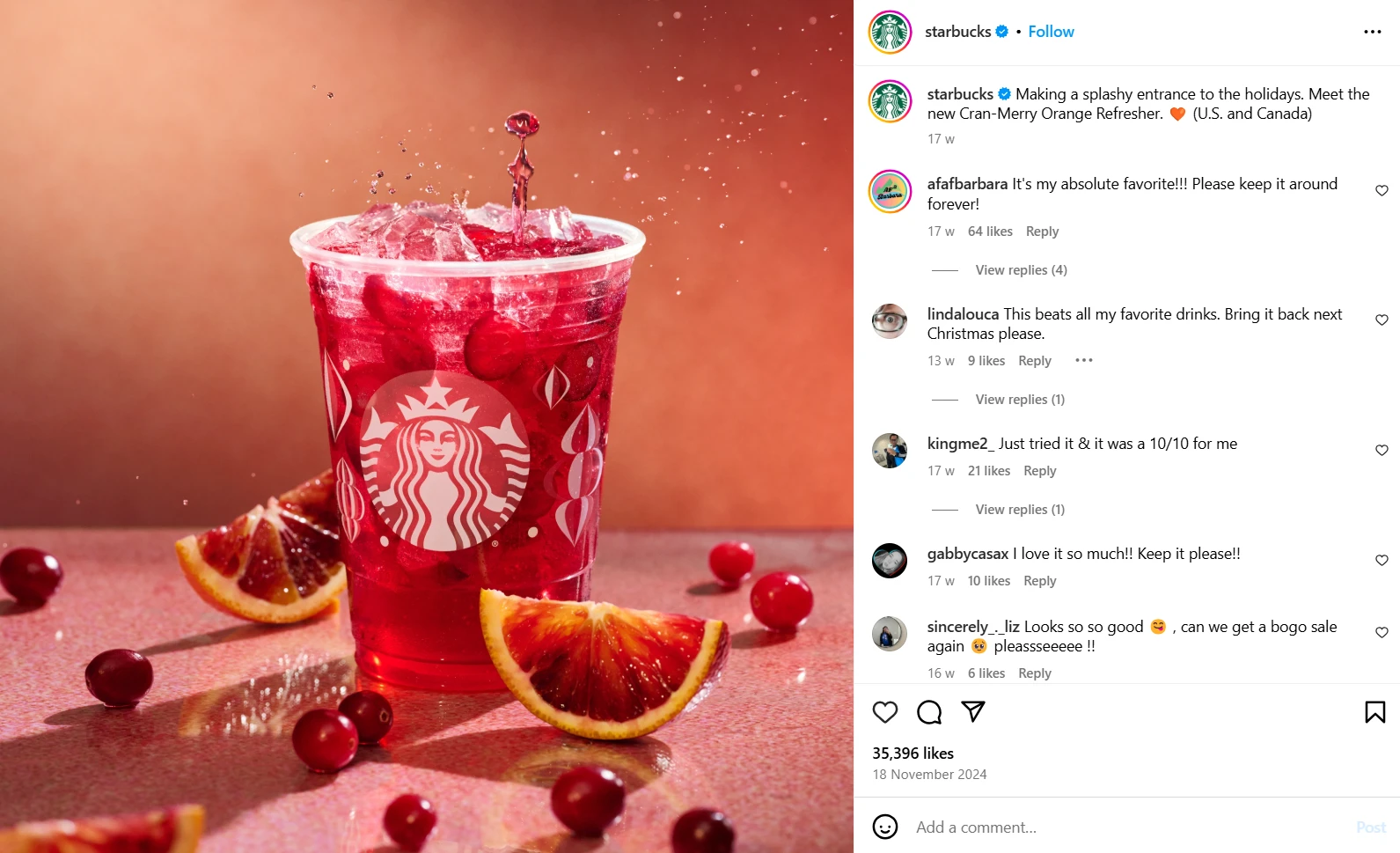
On Typeface, this comes down to prompting. Ask for "soft ambient lighting for an indoor setting," and you'll get exactly that; change it to "bright sunlight outdoors" and the AI regenerates the same product in a new mood.
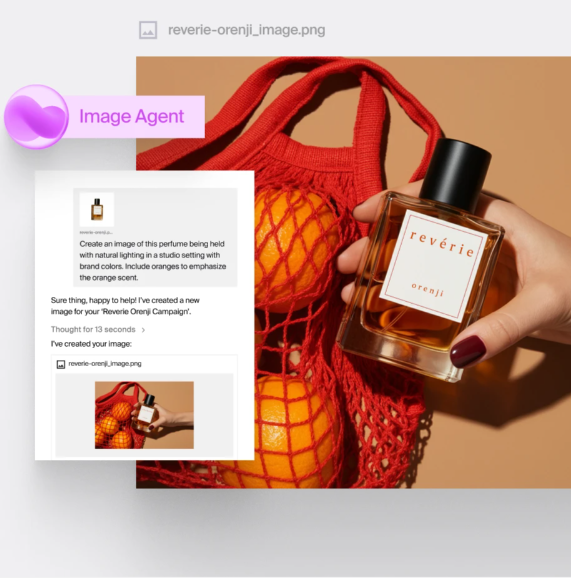
You can also use Auto Edit in Image Studio to apply a few lighting variations automatically.
5. Color grading for a consistent brand look
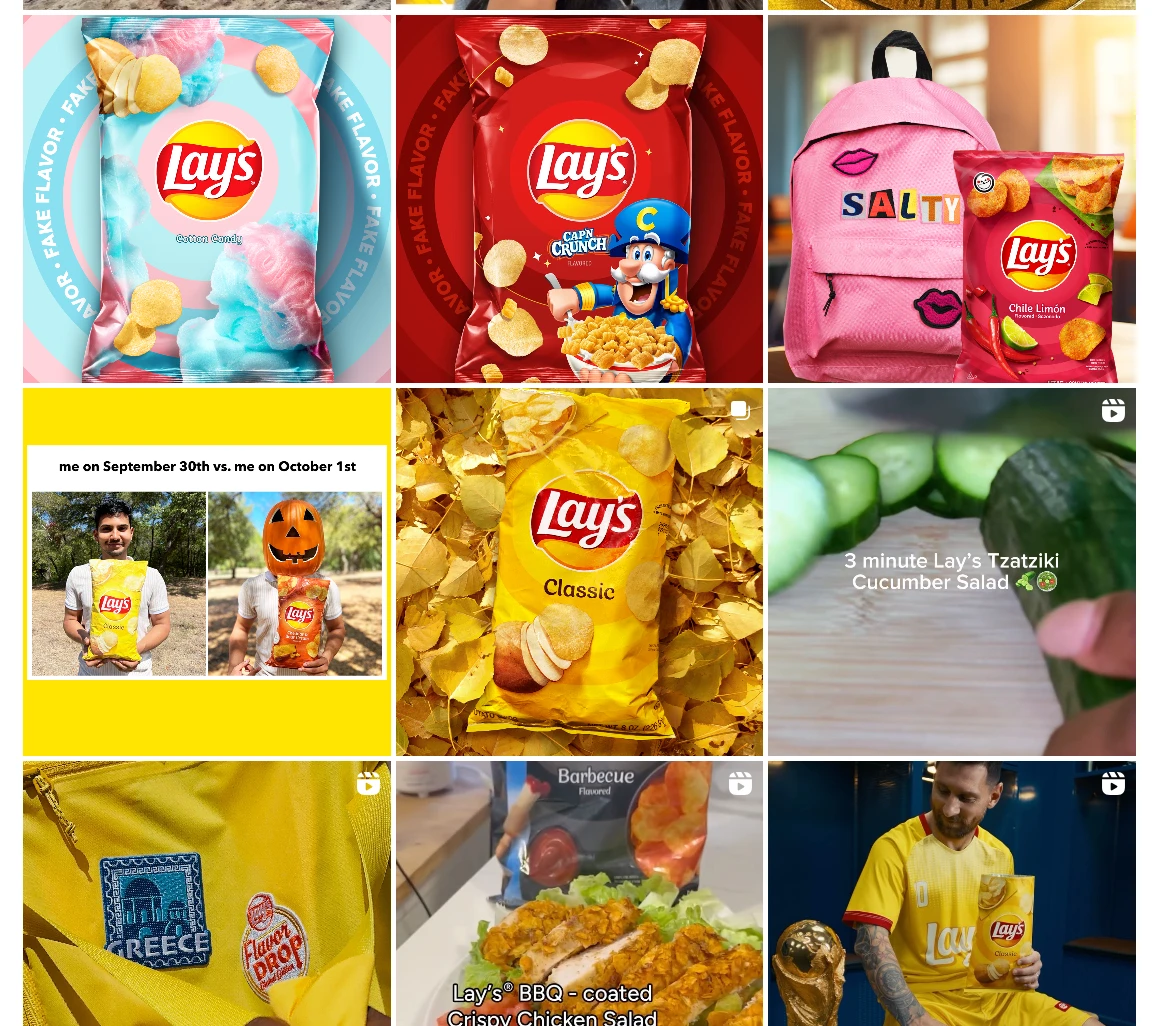
Color grading, such as adjusting tone, contrast, and saturation to set a mood, is what gives a brand feed its recognizable look. Food and beverage photography and beauty brands lean on it heavily; think of how the colors pop in every image on Lay's Instagram page.
If your brand already has a defined palette, add it to your Brand Kit to train the AI. Once trained on your image styles, Typeface generates product images already graded to your brand's personality — no post-production pass required. Here's a guide on creating images in your brand's style.
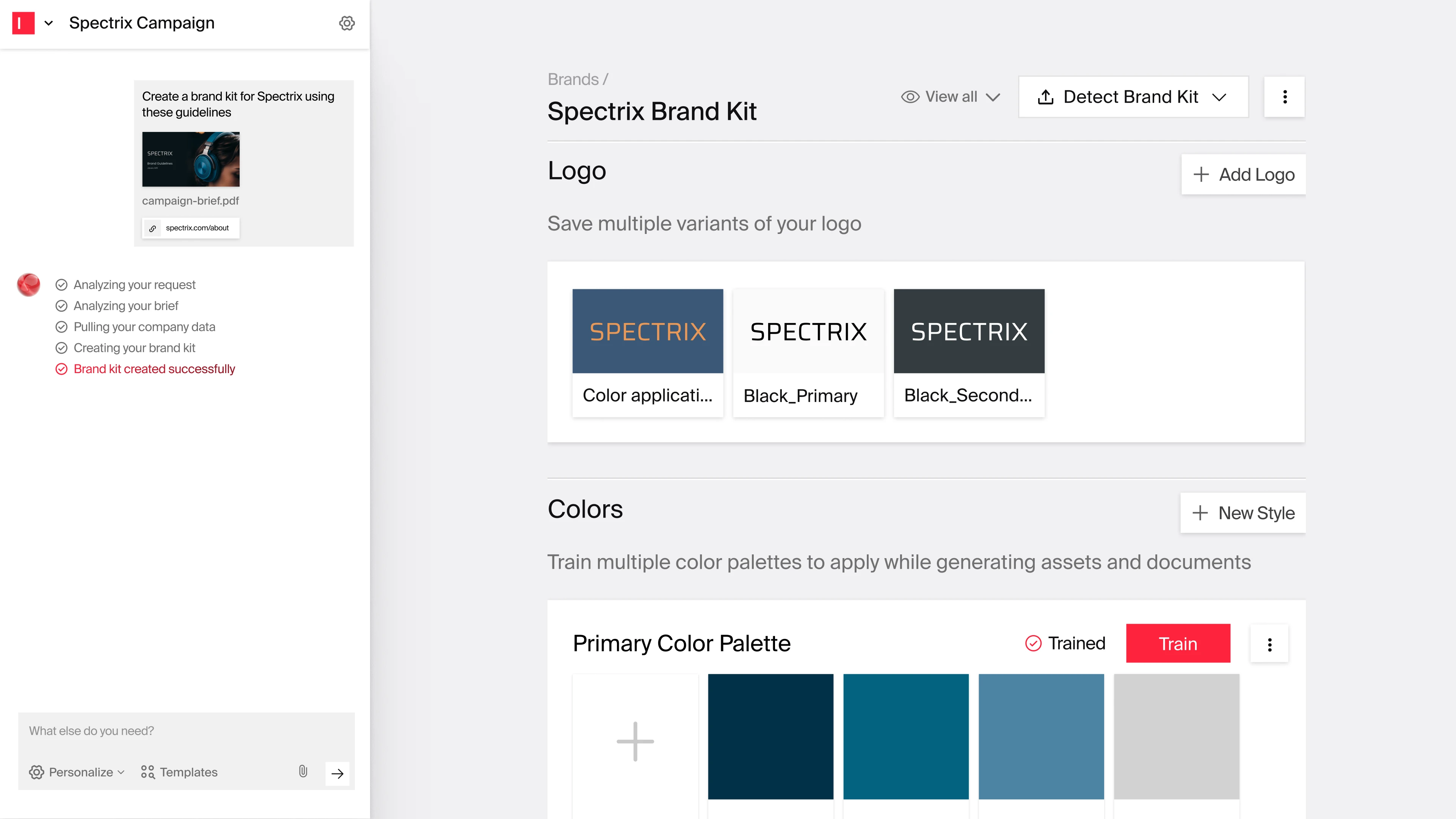
For text-to-image generation, you can specify grading directions in the prompt instead, though results will vary between generations and may take a few iterations to land.
6. Seasonal and holiday campaigns
Seasonal campaigns are where AI product photography for ecommerce brands and consumer goods pays off fastest. You no longer wait for snow to fall for a winter shoot or budget for fireworks for a New Year's ad. Teams often skip these campaigns entirely because of cost or timing, but AI makes them viable. A sports retailer, for instance, can produce imagery for a holiday campaign days before Christmas without pulling the creative team into overtime.
A few ideas by season:
Winter: Place products in cabin interiors, holiday gatherings, or snow-covered retreats. Visualize limited-edition winter packaging before it's manufactured, to test concepts ahead of production.
Spring: Visualize products still in development in springtime settings so campaign work can start before physical prototypes exist. Garden and outdoor-living scenes come without weather dependencies.
Summer: Aspirational destinations, poolside and waterside scenes, and twilight or bonfire lighting that's notoriously hard to capture consistently.
Autumn: Match foliage colors to specific markets — New England reds, Midwest golds — and use golden-hour lighting across multiple settings.
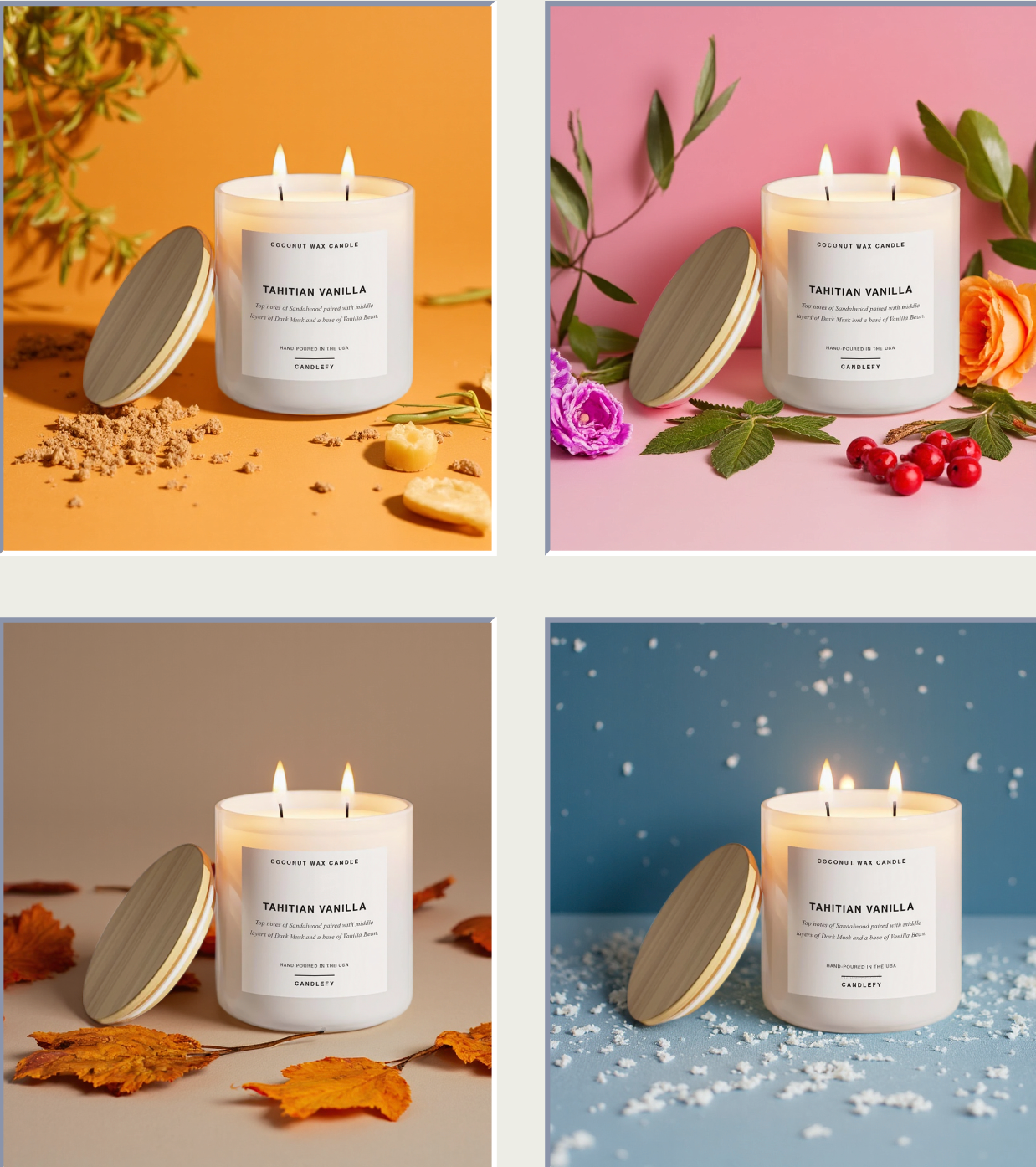
One caution: Seasons aren't universal. Snowy imagery lands in Canada and falls flat in the global south. Use AI to generate region-specific variants that match actual conditions in each target market.
Learn more about AI Product Photography on Typeface
Used well, AI product photography cuts costs, shortens timelines, and improves campaign ROI while keeping every asset on-brand. Start by adding your palette, fonts, logos, and preferred image styles to your brand guide in Arc Graph so everything you generate is consistent by default.
And remember that AI complements human creativity rather than replacing it. The strongest workflow is usually AI generating a wide set of options and handling repetitive work like resizing and background changes, with your team choosing, refining, and shaping the story.
Book a demo today to see what Typeface opens up for your brand.
Related articles

April 2, 2026
Most enterprise marketing teams are already using some form of generative AI. The real question isn't whether to use it — it's which workflows are actually worth your attention, and which ones will cr

September 7, 2026
Creating high-converting ad campaigns can take countless hours of brainstorming, crafting the right message, ensuring it resonates with the right audience and so much more. Even then, your ads may sti
October 9, 2024
As AI becomes more commonplace, marketers and creatives have looked to this technology for efficient ideation and on-brand content creation. However, many find themselves struggling with prompt engine