November 24, 2026
Skills vs. Workflows vs. Custom Agents: Choosing the Right Way to Automate Marketing Work

Ashwini Pai
Senior Copywriter
AI summary
"Skills, workflows, or agents?" is a question that frequently comes up whenever marketing teams look to scale AI beyond basic one-off prompting and wonder how much structure they need to build. This article offers a practical perspective, looking past the labels to help you pick the right setup for your marketing work.
TL;DR: Start with the work you need to repeat, not the label "custom agent." Before choosing a build path, define the task scope, required brand context, connected systems, and human review steps. Then, pick the simplest approach that fits those requirements instead of assuming every marketing job needs a complex custom build.
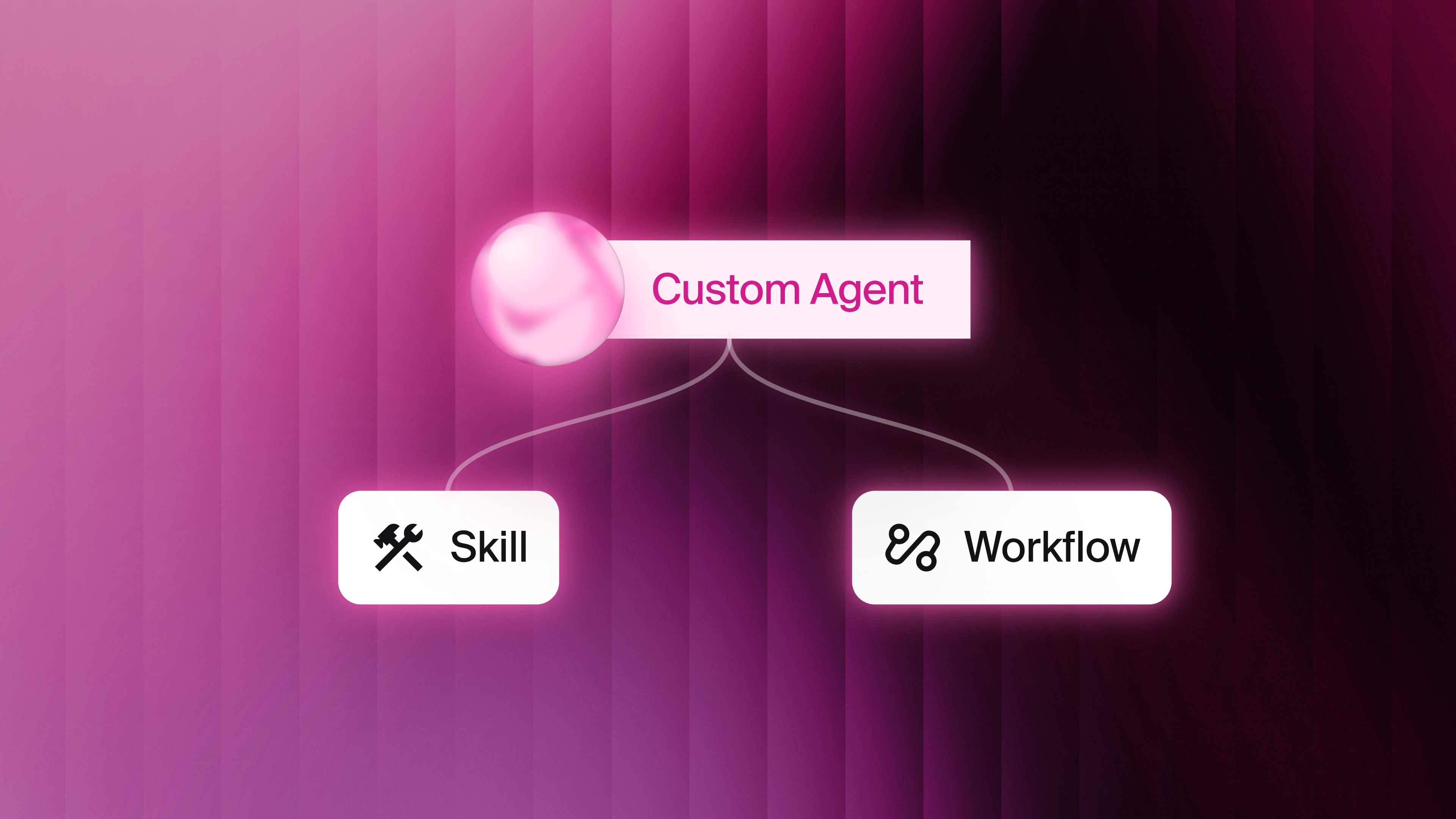
A skill is a packaged set of instructions that carries out a single task or sub-process, while a workflow runs a fixed marketing process end to end. In Typeface, skills and workflows are two kinds of Arc Agents, the custom agents built around how you run marketing.
With the labels sorted, let’s look at when you should consider each one to automate marketing work.
Are skills, workflows, and custom agents separate choices?
They do feel like competing choices when you've to decide what to build. But, in fact, they build on each other. A skill is a focused capability that can become a building block inside a workflow, while custom workflow agents keep your marketing context always available within workflows.
A helpful skill (no pun intended) is knowing when a single capability will do the job versus when a marketing process requires a full end-to-end build. Here's a reliable approach:
Create a skill for one repeatable, narrow task or sub-process (like drafting a campaign brief or checking brand compliance).
Build a workflow for a repeatable end-to-end process that must follow the same sequence every time ((like turning a product launch brief into localized assets across channels).
Configure either as a custom agent in Typeface using three connected layers:
Agent Studio is where you build skills and workflows. You can adapt pre-built Arc Agents from Typeface or create your own from scratch.
Arc Graph applies your brand context at the moment of generation, for every skill and at each step of a workflow.
Arc Fabric runs your skills and workflows, acting as the orchestrator managing the steps, tool connections, and handoffs you define for your processes.
What should you define before choosing an approach?
Get clear on what you want to automate and map out how the work happens today. Looking at the specific steps, dependencies, and quality standards for the final output will tell you whether you need a single skill or a multi-step workflow. Start by capturing these details up front:
1. Task scope: Is this a single, bounded action (like turning a sales transcript into FAQs) or a multi-step chain where one output feeds the next (like intake, drafting, localization, and channel formatting)? A single task fits a skill. A multi-step chain of actions fits a workflow.
2. Inputs and expected outputs: Write down what you provide to kick off the work, such as a simple one-line prompt (“Summarize weekly competitor news”), campaign brief, product spec sheet, or target URL. Define what "finished" looks like, such as a structured case study, publish-ready landing pages, or approved competitive summaries synced to your sales hub.
3. Brand context and rules: Identify the voice guidelines, banned terms, product claims, and audience segments that must govern the output. In Typeface, Arc Graph applies them automatically during generation, so your team doesn't have to paste style guides into prompts every time.
4. Connected systems and tools: List where source data lives and where finished assets need to go. For example, a workflow may need to pull new leads from your CRM, check them against your scoring criteria, and push tailored follow-up emails to your marketing automation platform.
5. Human review and approval points: Decide who signs off on the output and what criteria they check. If a compliance lead or regional editor needs to review exceptions before an asset goes live, build that handoff into your requirements from day one rather than adding it afterward.
Once you have these details written down, choosing between a reusable skill and an end-to-end workflow becomes straightforward.
When should a team start with a reusable skill?
Start with a skill when your team repeats a specific, bounded task that relies on the expertise your best marketers carry in their heads.
Take a typical marketing operations scenario: turning product release notes into channel-ready launch messaging. Every three weeks, a product marketing manager takes engineering notes and rewrites them into internal sales enablement bullets, customer-facing product updates, and social announcement drafts.
This work does not require an end-to-end automated pipeline. It's a single, repeatable rewrite that follows strict rules. The marketer packages the rewrite instructions into a skill in Typeface:
They upload the raw release notes as the single input.
Arc Graph automatically applies your product naming conventions, tone of voice, approved claims, and audience-specific rules for customers and internal teams.
The skill outputs formatted copy for each audience, ready for the product marketer to review and paste into their distribution tools.
As the skill is modular, any team member can run it on demand or plug it into a larger workflow later.
Should you copy an open-source skill or build your own?
Borrowed instructions can get the job done, but they’re still a template. Treat a public skill as a starting point and build your own on top of it.
A copied skill relies on generic best practices. A built skill pulls the latest product positioning, terminology, and compliance rules from Arc Graph every time it runs.
Every skill you build has value on its own and multiplies the power of your workflows. Over time, your full library of skills and workflows creates a proprietary edge that competitors can’t copy by downloading a file.
Next step:
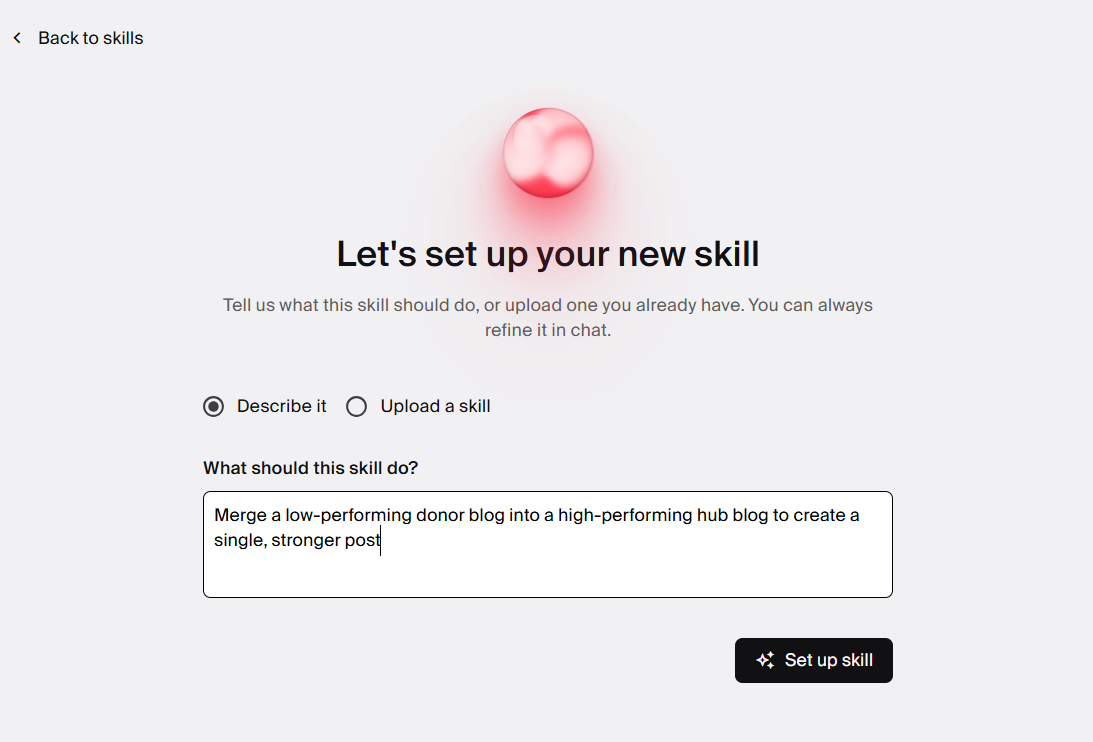
Create your first skill in Typeface: Define the task in plain language and let AI do the rest, or upload a skill you already built in another tool. Review any outside skill before you import it.
When does the work call for a workflow or custom build?
A standalone skill handles a single task well, but a lot of marketing work is process-based. Move to a custom workflow to automate a process that connects a chain of actions across systems and teams. Consider how a global consumer packaged goods (CPG) or financial services marketing team manages a multi-region campaign launch:
Multi-step dependencies: Regional teams cannot localize ad copy until global brand messaging is approved, and creative teams cannot generate visual variants until headlines pass compliance review.
Strict regulatory or brand guardrails: In regulated industries like financial services, every claim must match approved disclosures before drafts reach the human reviewer.
Cross-system handoffs: Assets must pull approved product data from a central repository, route through compliance sign-off, and push final assets to downstream campaign tools.
In these scenarios, Arc Fabric orchestrates a workflow that chains multiple skills and actions together in a fixed sequence. Arc Graph enforces brand and compliance context at every step of the chain, while built-in human-in-the-loop checkpoints pause execution until legal or regional leads approve the output.
Real-world impact
Real-world impact
A Fortune 100 financial services company used Typeface to build a campaign agent that created coordinated messaging across paid media, web, and email, personalized to multiple audiences. Teams ran the multichannel campaign as a single workflow, cutting production time from six weeks to 7.5 hours.
Next step:
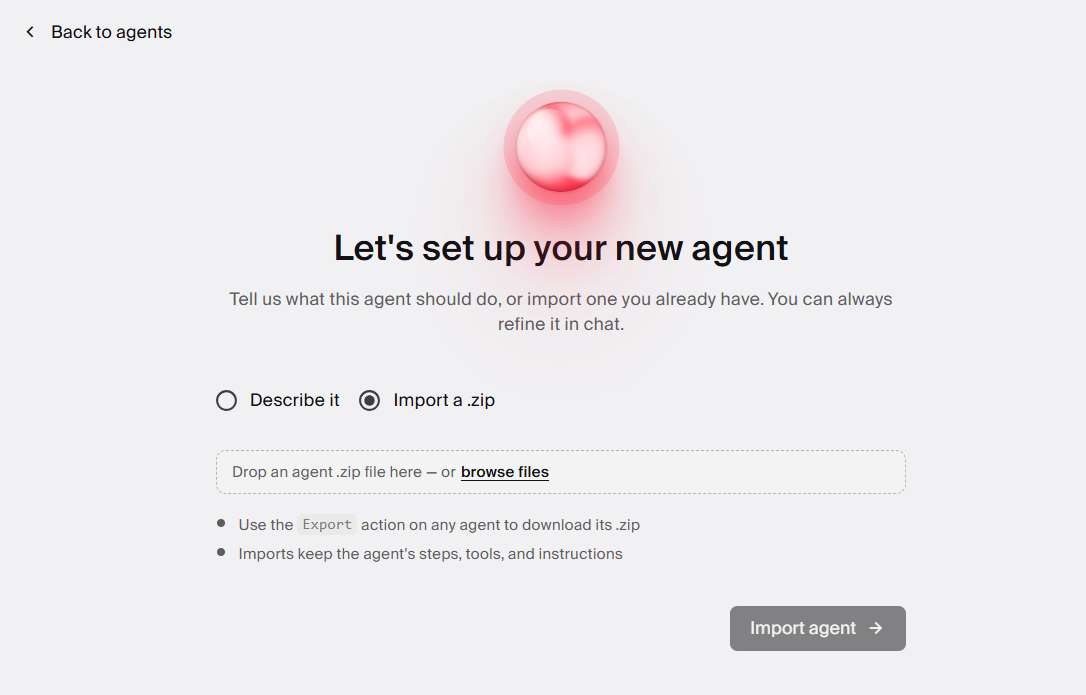
Create your first agent in Typeface: Describe the tasks in your process and let AI build the workflow, or upload a ZIP file of an existing agent. Fine-tune in chat.
Skill vs. End-to-End Workflow in Typeface
Decision factor | Skill | End-to-end workflow | In Typeface |
Task scope | One narrow task, from a single input to an output | A chain of steps, each output feeding the next | Both are Arc Agents |
How you create it | A Markdown file named SKILL.md | A workflow builder that sequences the steps | Create one in Agent Studio or import an existing one |
Brand context | Only what its instructions include, or what you paste in each time | Only what each step's instructions carry | Arc Graph applies it automatically at the moment of generation, for every skill and at each step of a workflow |
Example | Turn a call transcript into a case study draft | Turn a campaign brief into approved, localized ad variants | Built around your own inputs and approvers |
Recommended next step | Write a one-page brief, then build in Agent Studio | Map the steps and reuse any existing skills, then build in Agent Studio | — |
How should teams scope their first Arc Fabric build?
Write a one-page build brief covering steps, inputs, outputs, approvals, and systems. Here is an example for a custom workflow agent that takes a campaign brief to approved ad variants.
Start: Type a plain language prompt like “Run an ad campaign” or simply “/run” and attach the campaign brief in chat.
Steps and output: Step 1: Ingest brief → Step 2: Draft ad → Step 3: Localize by region → Step 4: Run compliance checks → Step 5: Export approved variants
Brand and knowledge inputs: Copy and design rules that apply to ads, and localization best practices, auto-applied during ad generation in Typeface. Plus, attach docs that have messaging pillars and target personas (upload these to Arc Graph).
Approvals: The regional editor and legal reviewer who sign off on ads.
Systems: The workflow uses ad layouts imported from Figma, keeps the variants in Typeface for review, and exports approved ads to Google Ads.
Once your team signs off on the brief, turn it into an agent in Agent Studio.
FAQs
Are skills and workflows both Arc Agents?
Yes. In Typeface, Arc Agents is the umbrella term for custom agents grounded in your brand knowledge and connected to your tools. Skills and workflows are the two ways you build them in Agent Studio. A skill packages one reusable job. A workflow runs multiple steps in order across your systems and approval gates, plugging in skills along the way.
How is an AI workflow builder different from a skill?
An AI workflow builder chains steps, systems, and approvals into an end-to-end process. skill packages the expertise for a single task. In Typeface, you create both in Agent Studio: describe what you need, or import one you already have. As workflows can reuse your skills as building blocks, plugging the skills you already have is a practical path.
Do you have to build skills before workflows and agents?
No, you can build them in any order. Match the approach to the work in front of you. Skills are the easiest place to start, since they’re small enough to test on real work, and everything you build becomes reusable in your other workflows.
Do recurring tasks need a custom agent?
Not by default. A recurring task with one owner and one output fits a skill. Move to a workflow when it needs several steps, systems, or approvals. Build a custom agent when your process needs your own tools, data, or review chains.
What should a marketing team document before building?
Cover these in your build brief:
Task and trigger: The exact job and what starts it.
Inputs and outputs: Required source files (per-project input like a campaign brief or a URL), knowledge inputs (reusable reference like product docs and ICPs), and final asset specs.
Brand and systems: Which voice, audience, and product rules apply, plus the apps it connects to.
Review: Who approves outputs and where.
Ready to automate marketing the right way?
Typeface brings advanced AI agent capabilities straight to marketers, creatives, marketing ops, and developers. With governed AI infrastructure built for your brand, your team can automate routine tasks and focus on the creative work that sets you apart.
Explore Typeface with a demo.
Related articles

November 19, 2026
AI agent skills are reusable packages of task-specific knowledge that teach AI how to do a task the way your team does it. They capture your team's marketing expertise and steps behind repeatable work
November 20, 2026
Enterprise marketing orchestration software connects the people, AI marketing agents, brand context, and systems behind campaign work. Instead of producing isolated assets, it coordinates repeatable w
November 23, 2026
Welcome back to Feature Focus! In September, we launched the next generation of the Typeface Orchestration Engine with one goal: closing the gap between what your team knows and what it can act on.